

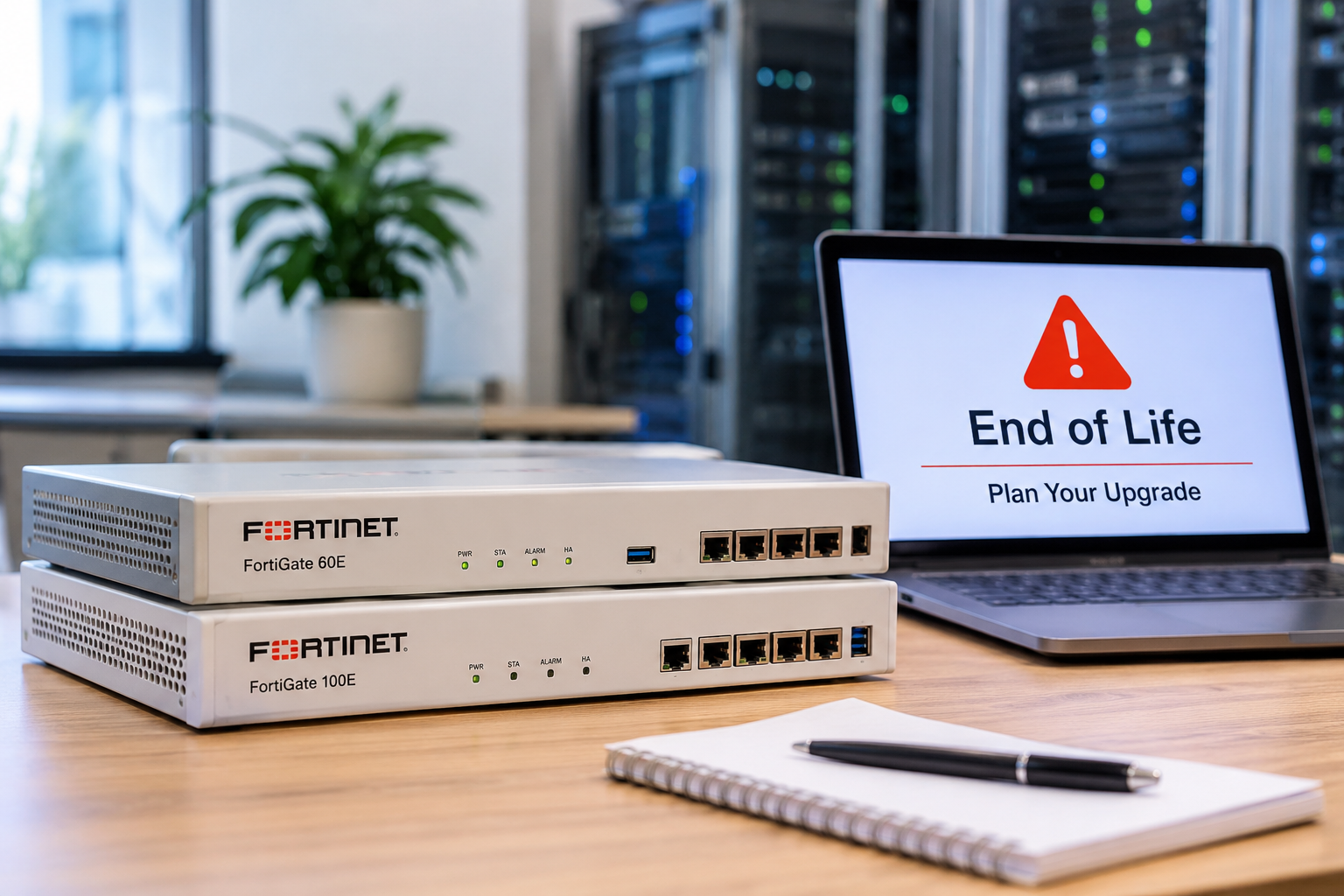
Most people only think about their firewall when something breaks. Until then, it sits in a rack, blinking away, and everyone assumes it’s fine. Sometimes it isn’t.
If you’re wondering when to replace a firewall, the honest answer is earlier than most businesses do. Waiting too long puts your data at risk and can stop your day-to-day work. If you run FortiGate, checking support dates and performance a couple of times a year saves a lot of hassle.
How Long Does a Business Firewall Last?
Most companies plan around a firewall lifespan of three to five years. Some boxes keep going longer, but age alone doesn’t decide it. Your traffic, your security needs, the state of the hardware and whether Fortinet still supports the model all play a part.
A firewall that coped fine with 30 people and a handful of apps can wheeze once the team has doubled and half the work lives in the cloud. Nothing “breaks”. It just gets slower and less capable.
When the hardware runs out of room
Every new laptop, cloud tool and phone adds load, and turning on security inspection adds more. If your FortiGate is constantly maxed out, replacing it usually beats the common workaround of switching off protections to keep things quick. That trade-off isn’t worth making.
End of Sale, End of Support, End of Life: What’s the Difference?
Fortinet uses a few lifecycle terms, and people mix them up all the time.
- End of Sale: you can’t buy the product new any more. Yours keeps working.
- End of Support: standard technical support and maintenance stop.
- End of Life: the product has finished its supported commercial life.
Your FortiGate end-of-life and Fortinet end-of-support dates are the ones to write down. One catch: hardware and FortiOS firmware run on separate schedules, so the date for one tells you nothing about the other. Check both.
Signs Your Firewall Is Outdated
You don’t have to wait for a disaster. A few signs your firewall is outdated tend to show up first.
Everything slows down when security is on
If the network crawls whenever intrusion prevention, antivirus or SSL inspection is enabled, that usually points to a processing bottleneck. Check CPU, memory, and inspection throughput before you decide anything.
You can’t update the firmware
Plenty of old FortiGate models can’t run the latest FortiOS. Once that happens, new fixes and features pass you by. If the box can’t run what your network needs, start looking at replacements.
It keeps crashing
Random reboots, overheating, ports that stop working. One odd fault is fine. A pattern isn’t. Find out why before it takes your team offline at the worst possible moment.
Why an Unsupported Firewall Is Risky
It might still pass traffic without a hiccup, and that’s exactly what makes it dangerous. No patches means known vulnerabilities stay open for anyone to try. And if something does go wrong, getting help gets harder. Picture your customer records or payment system exposed because of a device you’d meant to swap out. Replacing it beforehand is cheaper and a lot less stressful.
How to Check Your FortiGate Model and Firmware
Log into the FortiGate dashboard first. The system information page shows your model, serial number and FortiOS version. Next, open the Fortinet Support Portal and find the Product Life Cycle section. Match your model’s dates against the firmware dates, and look at your FortiCare and FortiGuard subscriptions while you’re there. It takes about five minutes, and then you’ll know where you stand.
Planning a Firewall Upgrade Without Downtime
A good firewall upgrade for business is mostly preparation.
- Back up the current config and note down your interfaces, policies, VPNs and routing.
- Set up the new unit and test the important services before any live traffic goes near it.
- Switch over at a quiet time, and use high availability if your setup allows it.
- Keep a way back ready, just in case.
Even then, nobody can promise zero downtime. Aim for as little as possible.
Choosing the Replacement
A FortiGate hardware refresh should still suit you in a few years, not just match today’s box. Compare inspection throughput, concurrent sessions, VPN capacity and interfaces. Factor in hiring plans, cloud use and any new offices.
If you’re looking at firewall replacement in Dubai, Firewall Dubai supplies Fortinet products and network security solutions to businesses across the UAE. Pick something that handles your workload without forcing you to choose between protection and speed.
So, Is It Time?
Age is only part of when to replace a firewall. Look at performance, support dates, security needs and reliability together. If your FortiGate is close to its support deadline or struggling day-to-day, start planning now. Get in touch with Firewall Dubai to review your FortiGate replacement options before the old one becomes a problem.
Frequently Asked Questions
How often should a business replace its firewall?
Usually every three to five years. Check performance once a year, and let support dates decide the real timing.
What does end of life mean for a FortiGate?
It means Fortinet has wound the product down. Support and maintenance eventually stop, so you’re on your own if something goes wrong.
Is it safe to use a firewall after end of support?
Not really. Once support ends, new vulnerabilities don’t get patched, and that’s a risk you don’t need. Replace it before that happens.
How do I know if my FortiGate is too old?
Look up its support dates first. If it can’t run current firmware, or slows down under load, it’s probably too old.
Can I upgrade a FortiGate without changing my configuration?
Mostly, yes. You can usually move your config across, but a new model or firmware version can break a few settings, so test first.